How AetherOps works
Pick your industry at signup. Each path tunes POS and modules: grocery, apparel, optics, auto parts, café — with optional delivery.
Businesses we cover
Supermarket / grocery
Fast barcode loop, Egypt catalog, CSV, scale stickers, cartons, النوتة, wholesale tiers, daily profit.
General retail
Electronics, hardware, cosmetics — barcode POS, credit, multi-units, and price tiers.
Apparel & sports
Build a template, generate Size×Color SKUs with barcodes, print tags, pick size/color at the till.
Optics & eyewear
Prescription job orders, lens & coating, deposit, and lab status through to pickup.
Auto spare parts
OEM, interchange, vehicle fitment, wholesale tiers, and credit.
Building materials
Fractional meters/tons, conversion rates, wholesale, and credit.
Café / restaurant
Menu + recipes, kitchen display, offline tickets — add vision cameras when you are ready.
Delivery
Optional module for any shop: address at the till, driver and status from Admin.
Setup guide by shop type
Illustrated steps for Egypt shops: pick your industry, load starter SKUs, make the first sale, and log an expense.
 01
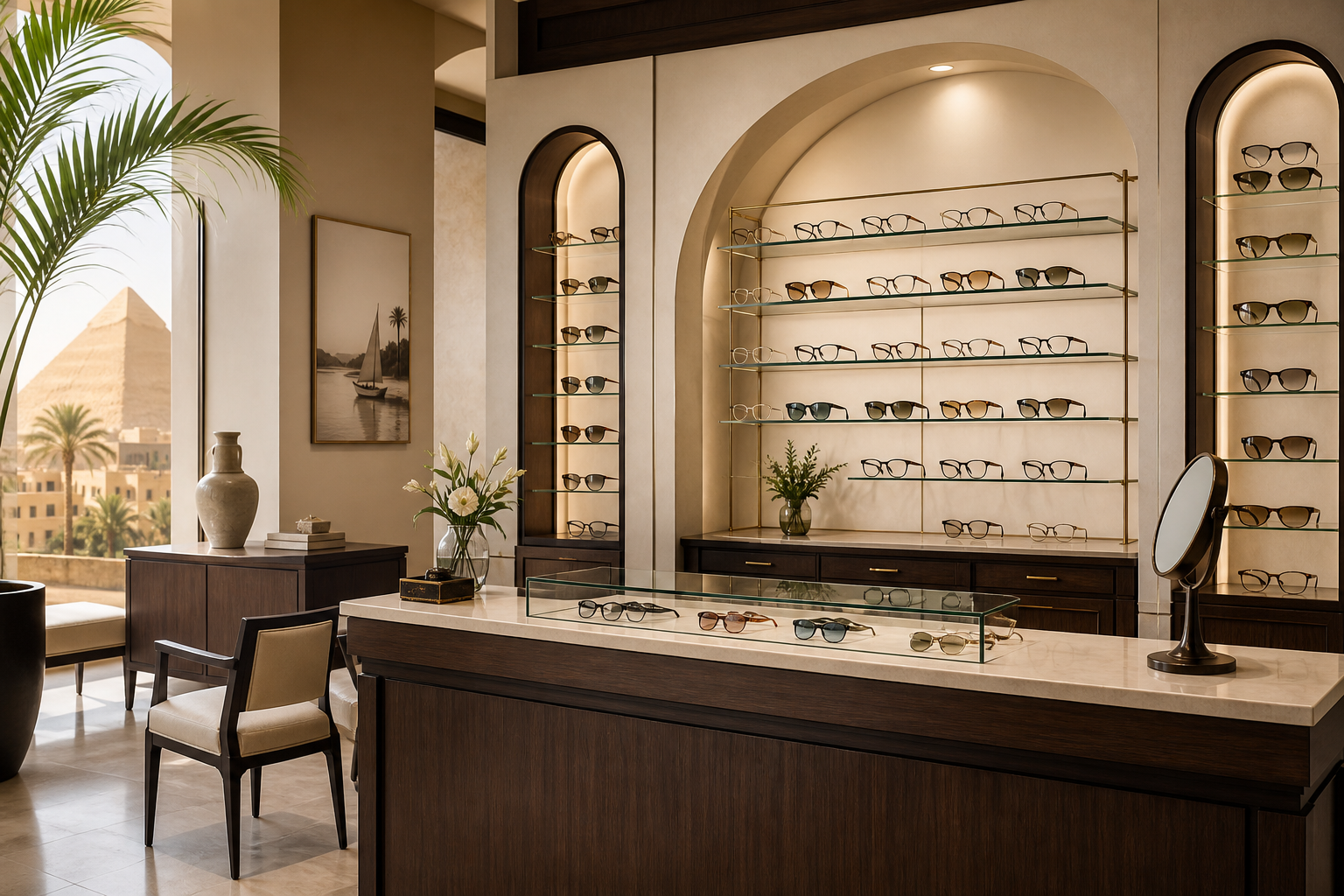
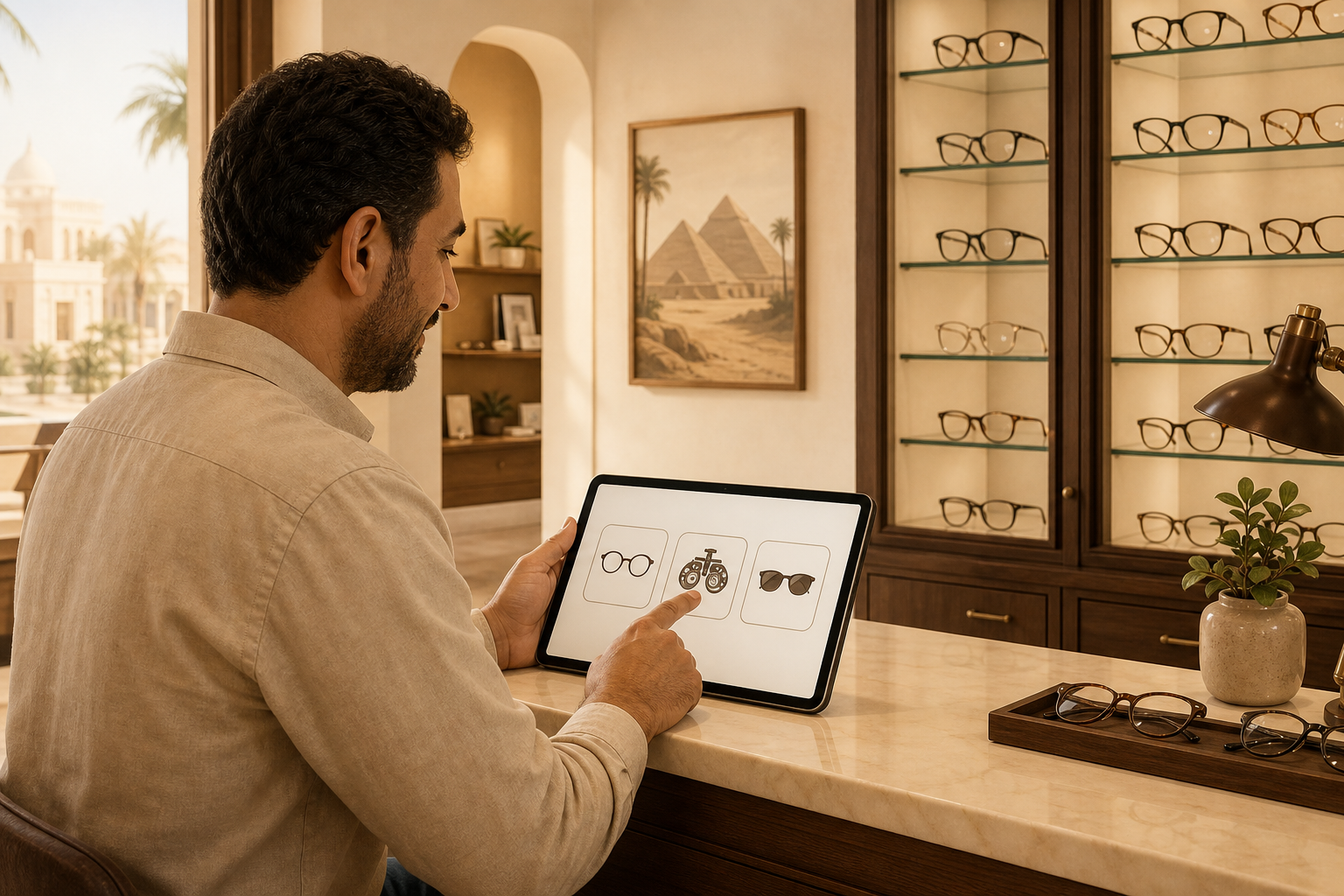
01Choose your shop type
At signup pick Optics — Rx jobs and lab workflow unlock automatically.
 02
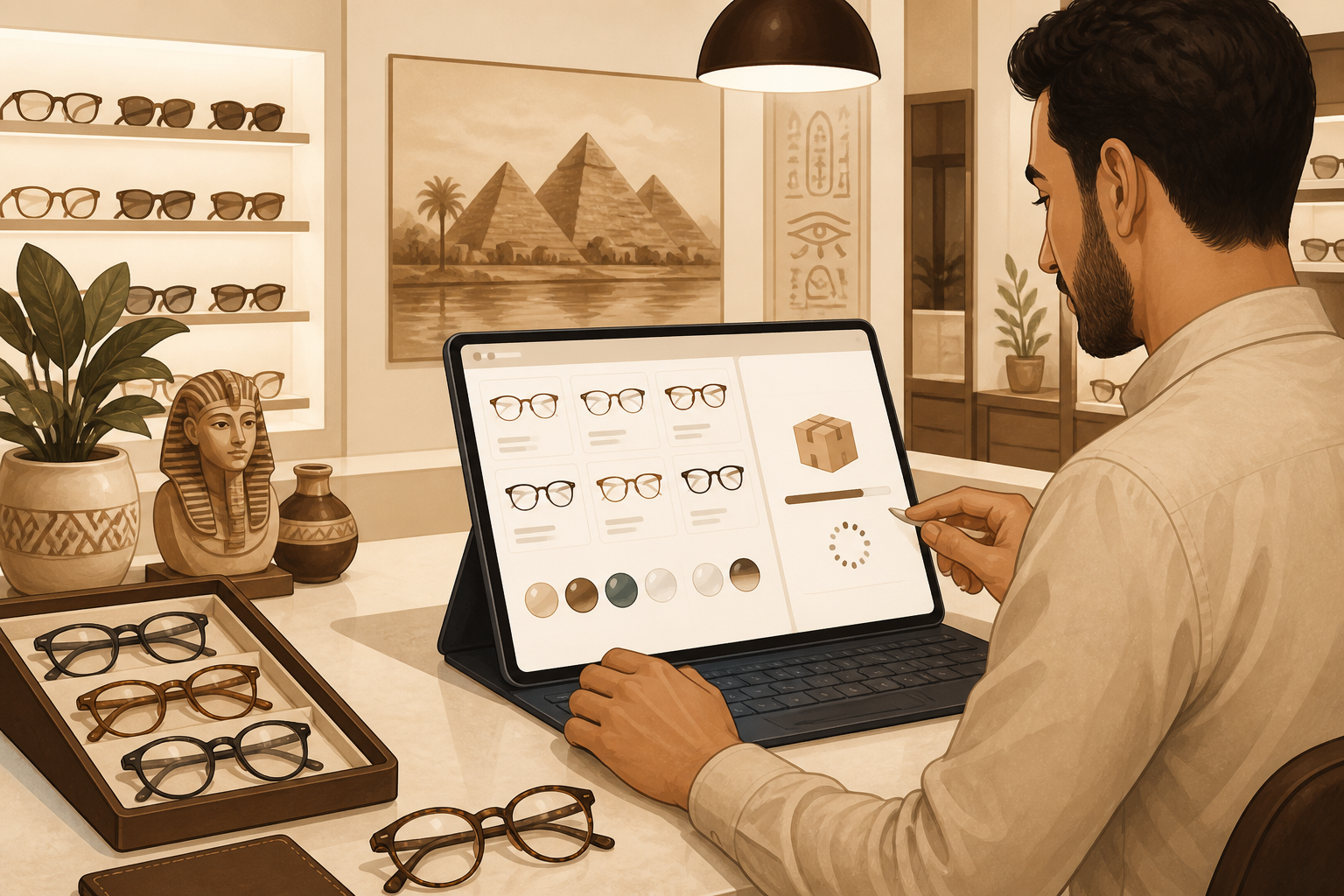
02Load starter products
Frames, sunglasses, 1.56/1.61/1.67 lenses, coatings, and contacts with sample EGP prices.
 03
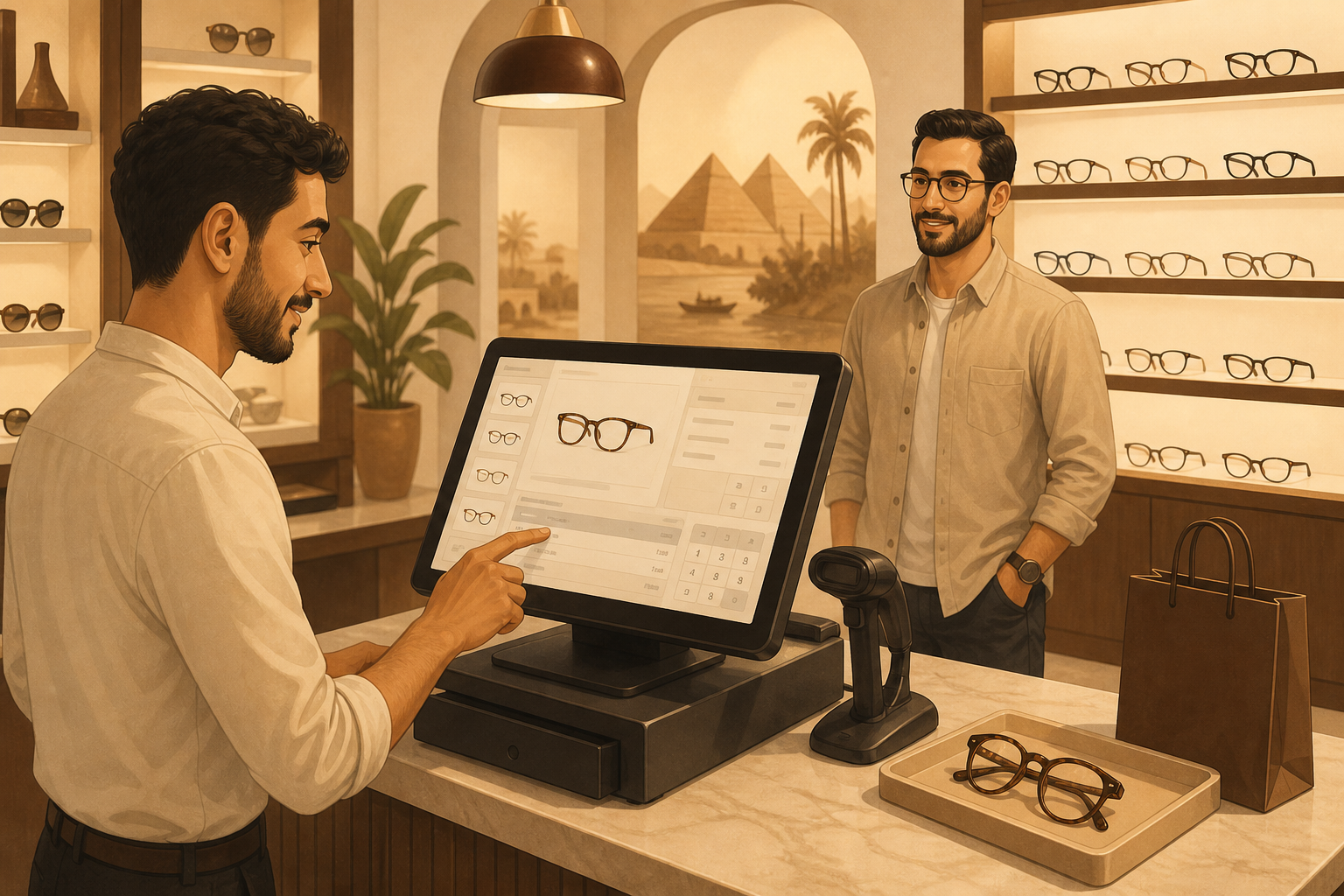
03First sale at the till
Open an Rx job, enter powers, take a deposit — or sell sunglasses directly.
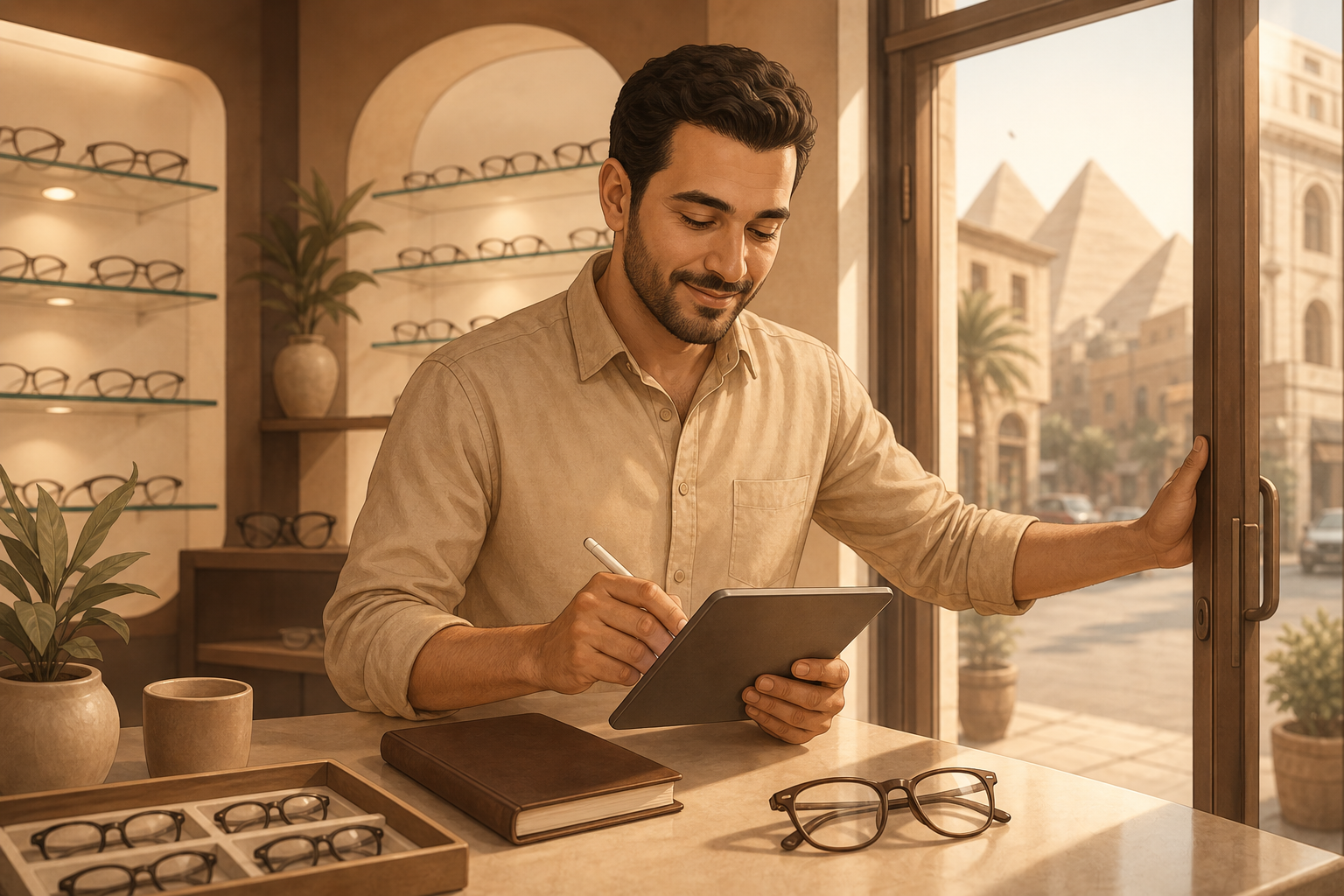 04
04Log an expense & open
Record lab or rent costs in setup, then start selling.
Day 1 setup
- 01
Register and choose your industry (supermarket, retail, apparel, optics, auto parts, or café).
- 02
Open Admin Setup: import CSV or scan barcodes (apparel: variants; auto: OEM meta).
- 03
Open POS — sell with scan, F6 credit, F7 tiers, Rx job, or OEM search.
- 04
Optional: enable Delivery, or add café cameras later.
Sell offline with confidence
The POS keeps taking sales when the internet drops. When you reconnect, orders sync without double-charging.
Grow with AI when you need it
Retail starts without cameras. Cafés can add edge vision for cups and hygiene later — no rip-and-replace.