How AetherOps works
Pick your industry at signup. Each path tunes POS and modules: grocery, apparel, optics, auto parts, café — with optional delivery.
Businesses we cover
Supermarket / grocery
Fast barcode loop, Egypt catalog, CSV, scale stickers, cartons, النوتة, wholesale tiers, daily profit.
General retail
Electronics, hardware, cosmetics — barcode POS, credit, multi-units, and price tiers.
Apparel & sports
Build a template, generate Size×Color SKUs with barcodes, print tags, pick size/color at the till.
Optics & eyewear
Prescription job orders, lens & coating, deposit, and lab status through to pickup.
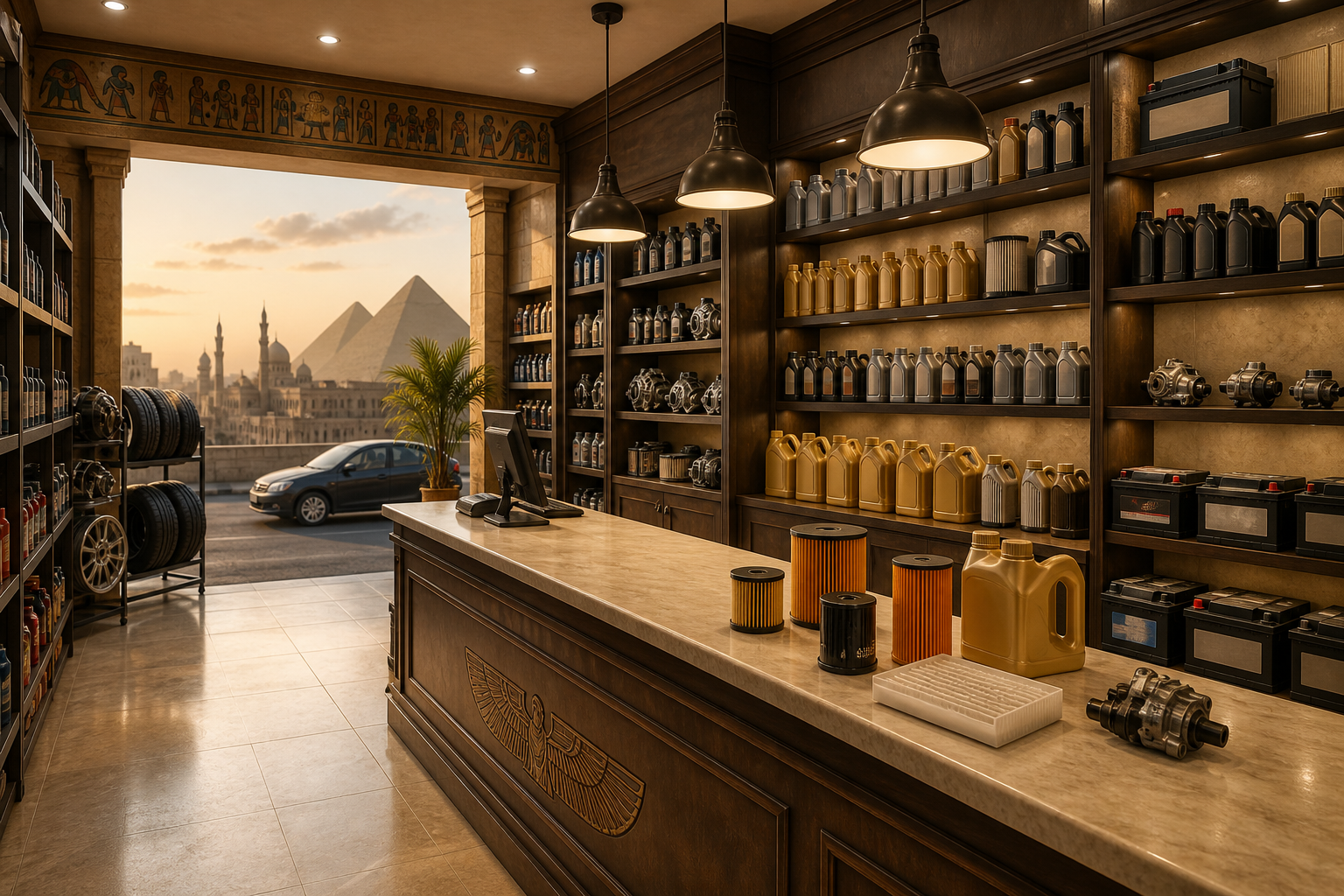
Auto spare parts
OEM, interchange, vehicle fitment, wholesale tiers, and credit.
Building materials
Fractional meters/tons, conversion rates, wholesale, and credit.
Café / restaurant
Menu + recipes, kitchen display, offline tickets — add vision cameras when you are ready.
Delivery
Optional module for any shop: address at the till, driver and status from Admin.
Setup guide by shop type
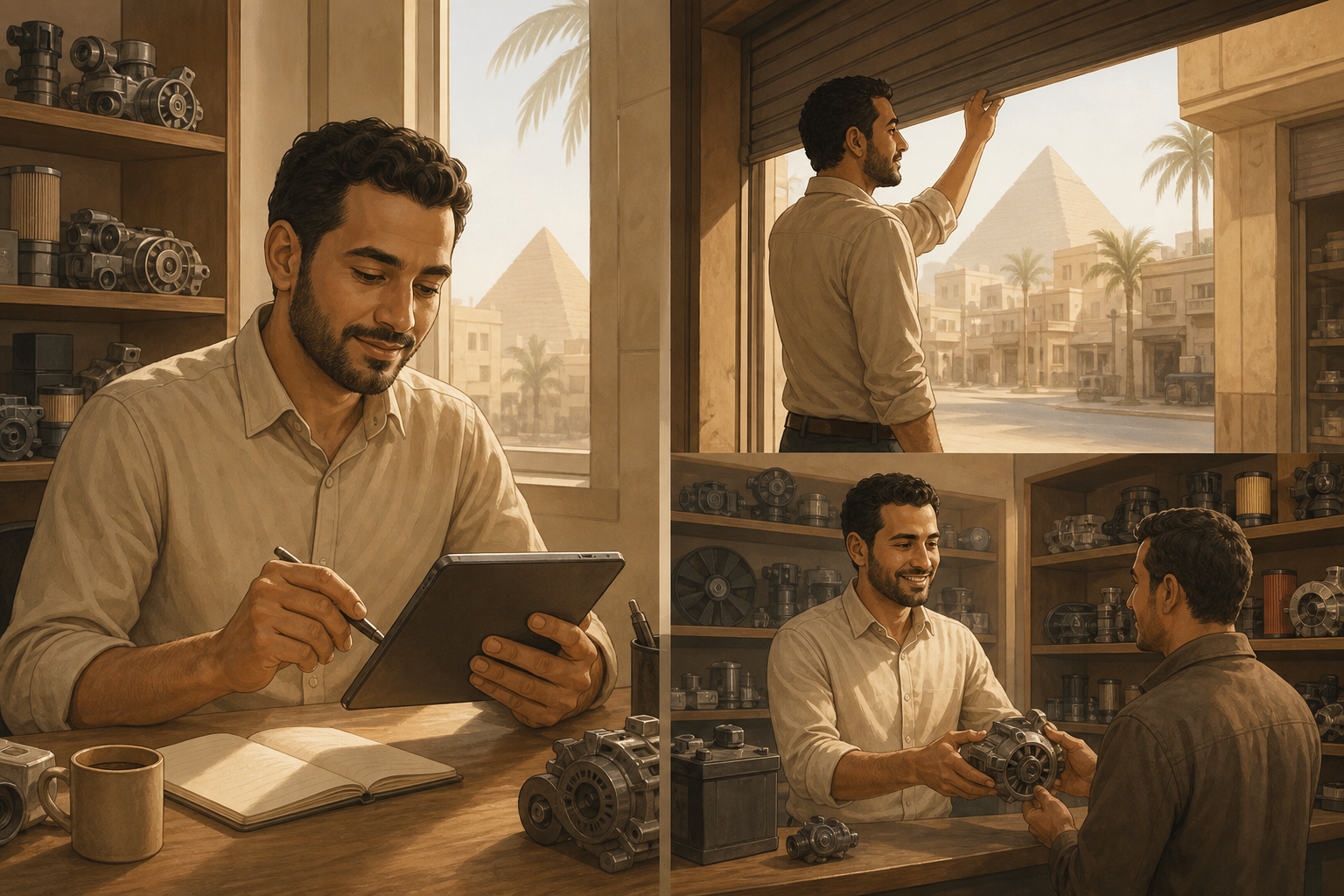
Illustrated steps for Egypt shops: pick your industry, load starter SKUs, make the first sale, and log an expense.
 01
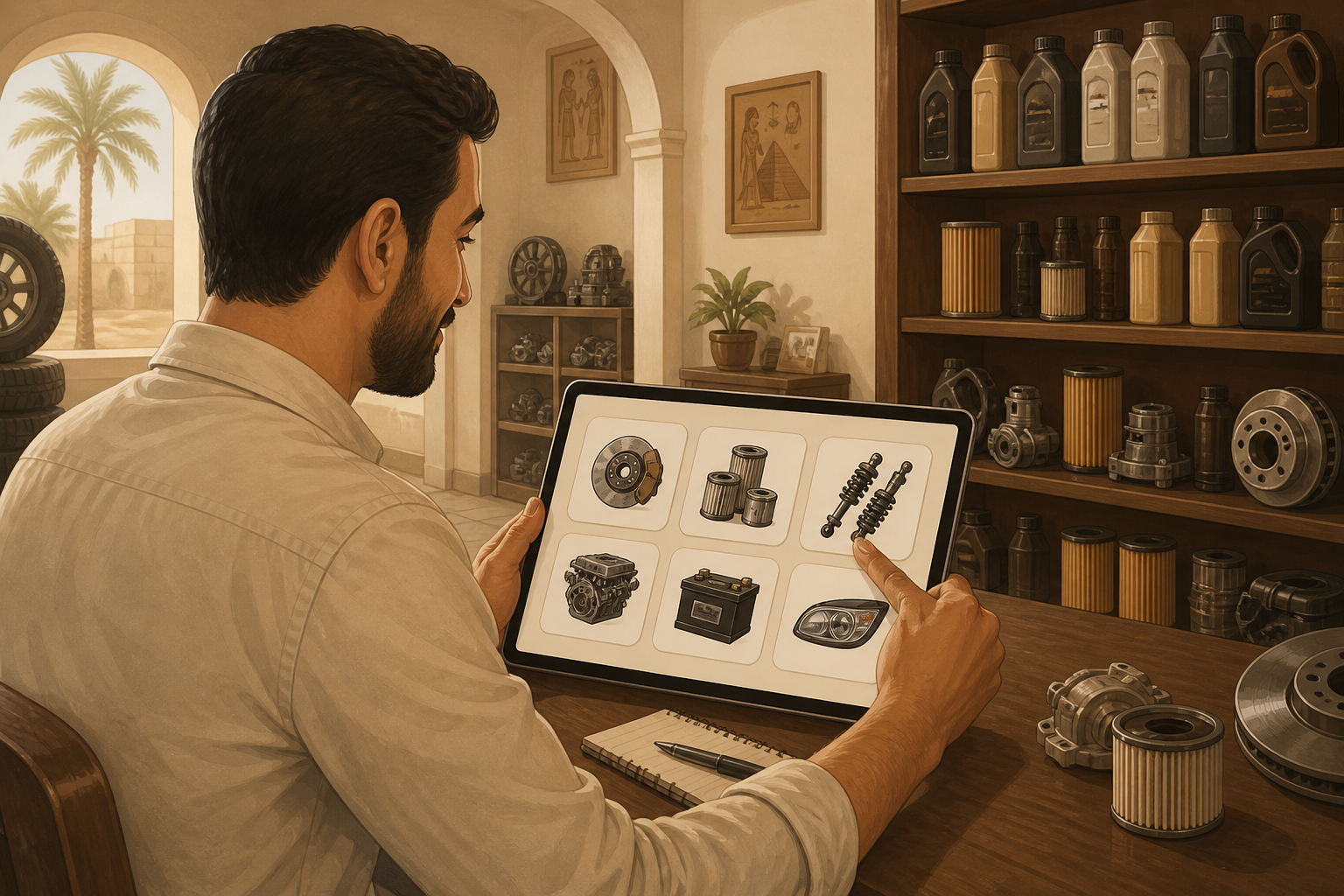
01Choose your shop type
Register as Auto spare parts to enable OEM, interchange, and vehicle fitment.
 02
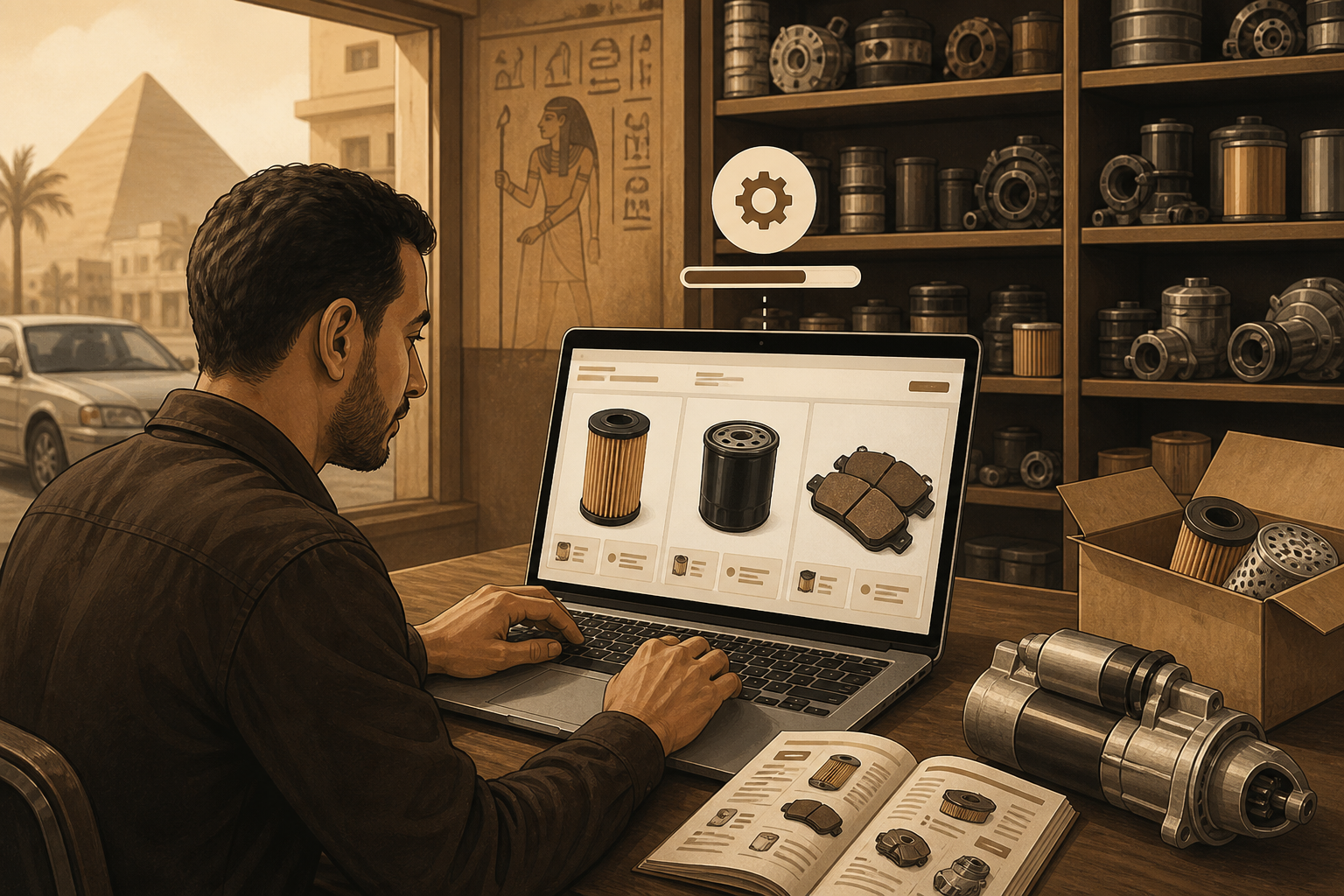
02Load starter products
Oils, filters, pads, batteries with OEM codes and Toyota/Hyundai/Nissan fitment.
 03
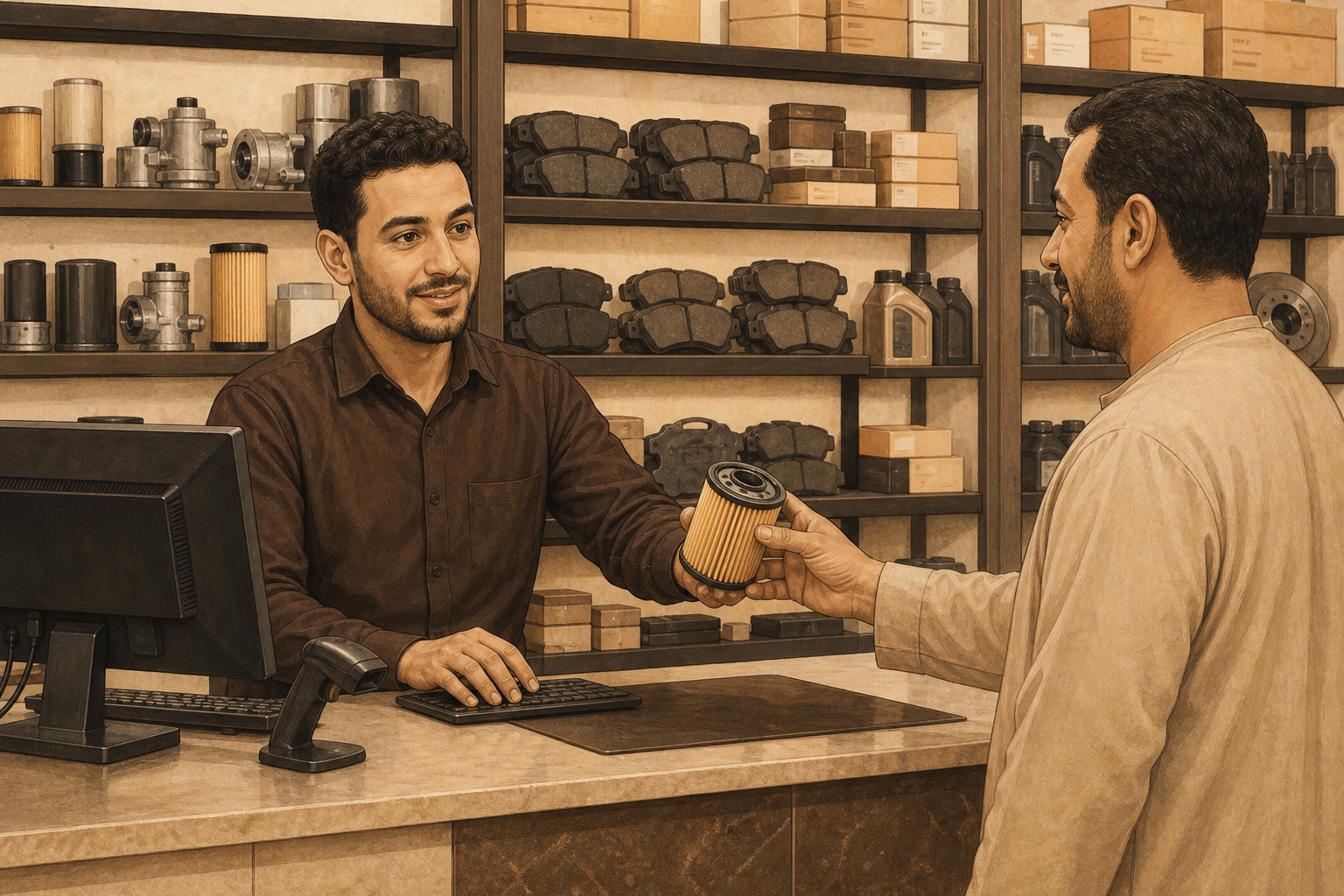
03First sale at the till
Search by OEM or name, sell by piece, use wholesale and credit for workshops.
 04
04Log an expense & open
Record purchase or delivery costs so daily profit stays accurate.
Day 1 setup
- 01
Register and choose your industry (supermarket, retail, apparel, optics, auto parts, or café).
- 02
Open Admin Setup: import CSV or scan barcodes (apparel: variants; auto: OEM meta).
- 03
Open POS — sell with scan, F6 credit, F7 tiers, Rx job, or OEM search.
- 04
Optional: enable Delivery, or add café cameras later.
Sell offline with confidence
The POS keeps taking sales when the internet drops. When you reconnect, orders sync without double-charging.
Grow with AI when you need it
Retail starts without cameras. Cafés can add edge vision for cups and hygiene later — no rip-and-replace.